Can I Buy a Suica Card at Narita Airport?
Learn how to get a Suica card at Narita Airport, including the new Welcome Suica Mobile for iPhone users. Save time and travel smoothly in Japan!
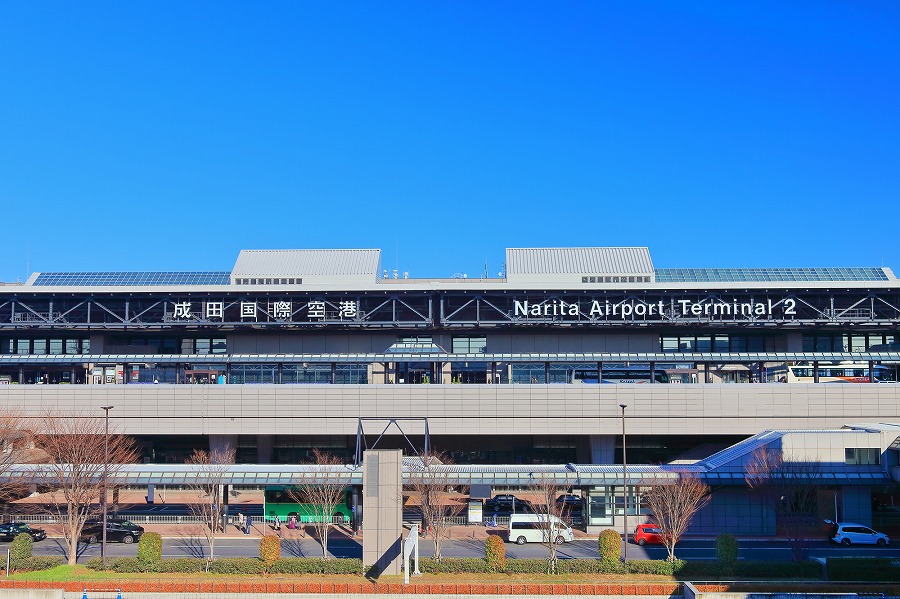
“Can I get a Suica card at Narita Airport?”
Yes! But the best option now is the Welcome Suica on your iPhone.
Your Options
“What are my choices?”
1. Welcome Suica (Mobile) - BEST OPTION
- Add to Apple Wallet on your iPhone
- Set it up before you even land
- No deposit needed
- Top up with credit card
- Works immediately
2. Physical Welcome Suica
- Available at JR East Travel Service Centers in Narita
- ¥500 deposit (non-refundable)
- Valid for 28 days
- Convenient if you don’t have an iPhone
3. Regular Suica from ticket machines
- Currently limited availability due to chip shortage
- ¥500 refundable deposit
- If available, works the same as Welcome Suica
How to Set Up Mobile Suica
“How does the iPhone option work?”
- Open Apple Wallet
- Tap ”+” to add a card
- Select “Transit Card”
- Choose “Suica”
- Add money from your credit card
- Done! Hold your phone to the reader
Works on iPhone 8 or newer.
What Can You Use Suica For?
“Where does it work?”
- All trains and subways in Tokyo and most of Japan
- Buses throughout Japan
- Convenience stores (7-Eleven, Lawson, FamilyMart)
- Vending machines
- Many restaurants and shops
It’s basically a cashless card for everything.
What Japanese People Actually Do
Most locals:
- Use Mobile Suica on their phones (iPhone or Android)
- Top up automatically from their credit card
- Use Suica to pay for almost everything
- Rarely buy physical cards anymore
Extra Travel Tips
-
Set up Mobile Suica before landing - You’ll need it immediately for the train
-
Top up at convenience stores - If you prefer using cash
-
Suica works nationwide - Not just in Tokyo
-
Check your balance - Look at your phone or tap at ticket gates
-
Android users - Google Pay supports Suica in some regions
Have more questions about transportation in Japan? Follow me on YouTube, Instagram, and TikTok for daily tips!